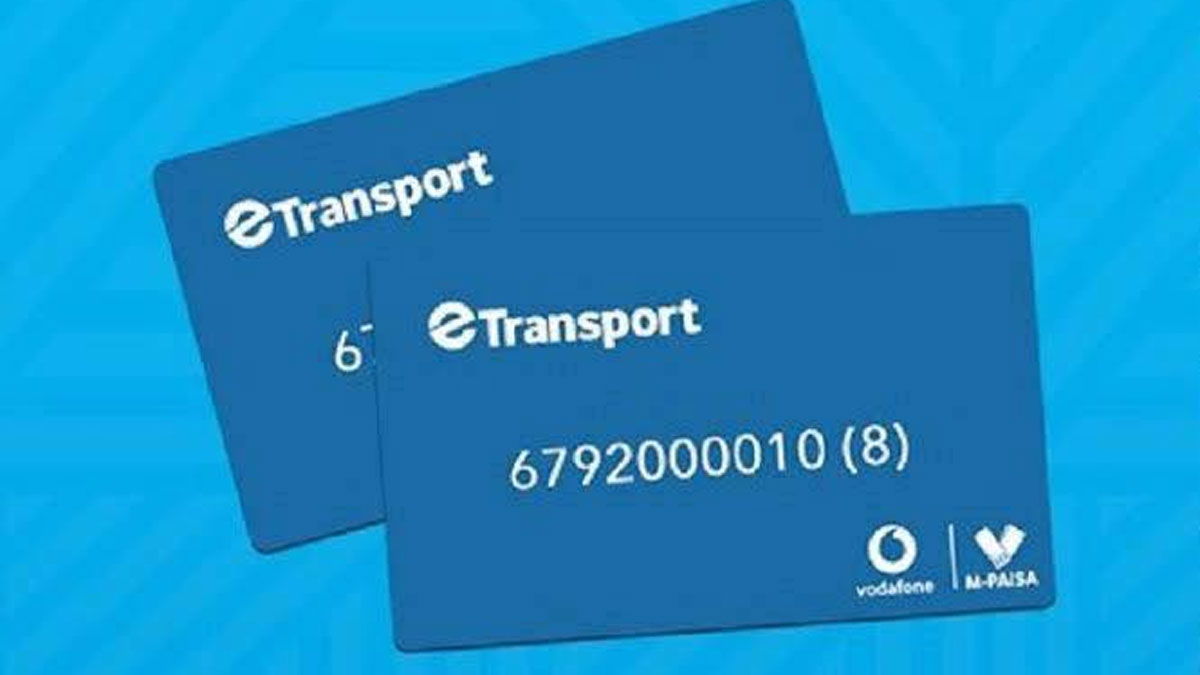
With less than a week for the first school term to commence, Vodafone Fiji is reminding parents and guardians that topping up and redeeming their child’s school bus cards is now easier through the e-transport app.
Vodafone says users can load funds directly onto their e-transport cards, check balances, view transactions and track travelling history using the app.
Once funds are available, Vodafone says users can top up their card by entering the 12-digit card number or by using NFC, selecting the amount and confirming the transaction with their e-transport PIN.
Vodafone says after topping up, the balance must be redeemed to the card by tapping the card at the back of an NFC-enabled phone.
The redeem process requires two taps; the first to check the balance and the second to update it on the card, after which a confirmation message will appear.
To check card balances, users are advised to click on Check Balance under the Quick Options section, then tap and hold the card at the back of the phone, either in the middle or top centre, where the balance will be displayed on the screen.
To view card transactions, Vodfone says users should scroll through the Quick Options menu, select Transactions, and tap and hold the card at the back of the phone.
Users can also view wallet and card usage history by selecting the History tab within the app.
Vodafone’s E-ticketing Product Manager Keshvin Dutt has confirmed to fijivillage News that the e-transport app works for all type of bus cards.
Vodafone is also reminding users that the e-transport app only works on Android 9 and above, requires the new e-transport card, and that NFC-enabled phones are needed to access full features, including topping up, redeeming and checking balances.

Stay tuned for the latest news on our radio stations