What if you could organise money for back-to-school, family budgets, Christmas celebrations and others, all through one mobile app?
We all have financial priorities. From everyday expenses and school fees to family commitments and unexpected costs, managing money means making choices.
The challenge is keeping funds organised, knowing what's available and maintaining the flexibility to save or spend when needed.
BSP eDollar, Fiji’s first bank-backed electronic wallet(eWallet), brings these everyday needs together, empowering users to independently create and manage up to five eWallets through one app.
Greater Control Over Everyday Money Management
Consider a parent setting aside money for school expenses while keeping everyday spending funds separate. Or someone planning for Christmas who wants to distinguish money allocated for celebrations from other commitments.
With BSP eDollar, customers can organise funds across separate eWallets for different priorities, without needing to open an additional bank account for every spending purpose.

Each eWallet can serve a different financial need, helping customers keep track of funds allocated for household expenses, family commitments or planned purchases.
As priorities change, so can the purpose of each wallet, giving customers the flexibility to allocate, access and use their money according to their needs.
This is customer empowerment in practice: greater independence in everyday money management, with customers deciding how to organise their funds and put their money to use.
More Than a Place to Keep Money
Beyond organising funds, BSP eDollar brings everyday digital payments within easy reach.
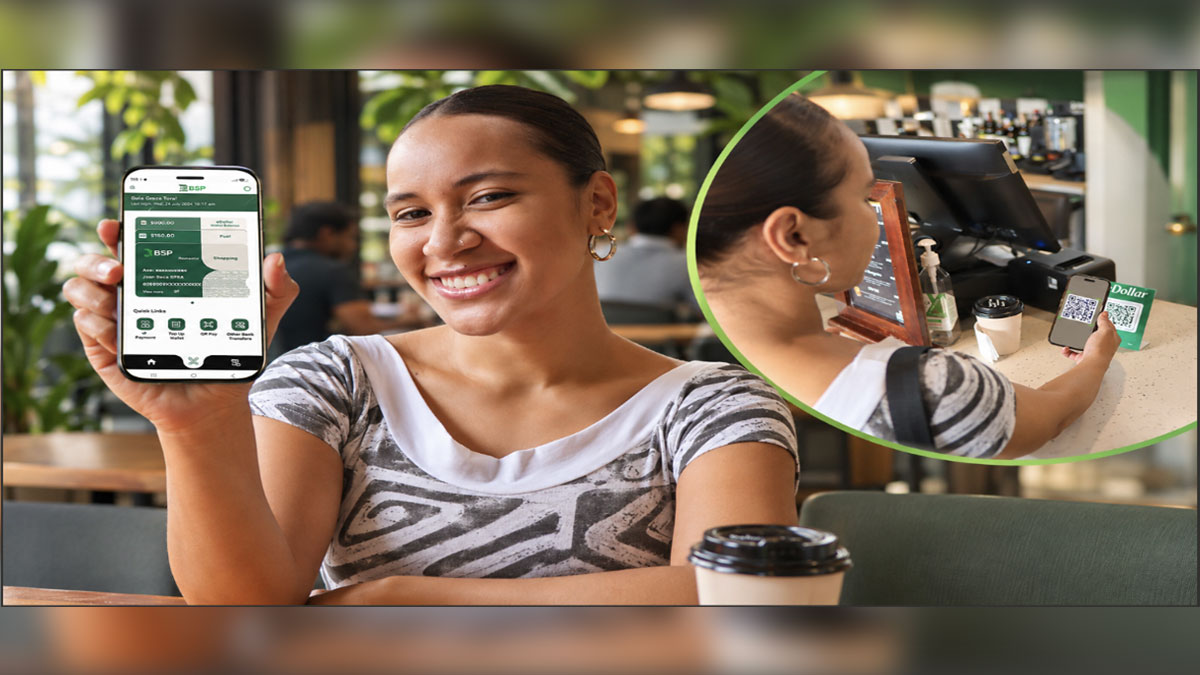
Customers can transfer money between eligible BSP accounts and their eWallets, send and receive funds and make QR payments to friends, family and participating eDollar merchants.
For online shopping, eligible customers can also access a virtual Visa card for purchases, subject to applicable conditions, including RBF Exchange Control Guidelines.
From managing household spending to making digital payments, eDollar gives customers more ways to put their money to use.
Digital Convenience. Backed by BSP's Banking Network.
One of eDollar's key strengths is its connection to BSP's extensive banking network, bridging together the convenience of digital payments and the accessibility of traditional banking services.
Customers can transfer funds from their eWallets into eligible BSP accounts, allowing them to access their money through existing banking channels, including applicable ATM withdrawals and EFTPoS services.
This connection gives customers the flexibility to manage money digitally while continuing to use familiar banking services when needed.
Backed by BSP's extensive banking network, eDollar represents another step in making digital financial services more accessible and practical for everyday life.
It also reflects BSP's continued investment in innovative banking solutions that support customer independence, expand digital payment opportunities and contribute to advancing Fiji's digital economy.
Making the Most of BSP eDollar
Getting started is straightforward for eligible BSP customers already registered for Internet Banking.
Simply log in to the BSP Fiji Mobile Banking App, select the Wallets tab and follow the prompts to activate eDollar, including setting up your Mobile PIN (MPIN).
Once activated, customers can use the dedicated BSP eDollar App to create and independently manage their eWallets.
Explore our step-by-step guides to discover how to activate and use BSP eDollar:
· BSP eDollar Activation Guide – Learn how to activate eDollar and set up your digital wallet.
· How to Fund Your eDollar Wallet – See how to transfer money from your BSP account into your eWallet.
· How to Send Funds with eDollar QR or How to Receive Funds with eDollar QR – Discover how to send and receive money using eDollar QR codes. \
QR payments can also be made at participating BSP QR merchant outlets nationwide.
As with any digital banking service, customers should protect their login credentials and verify payment details before confirming transactions.
Ready to Get Started with BSP eDollar?
Already registered for BSP Internet Banking? You can activate eDollar yourself through the Wallets tab in the BSP Fiji Mobile Banking App, without visiting a branch.
Not yet registered for Internet Banking? If you have a BSP account, visit your nearest BSP branch with a valid photo ID to register and begin your eDollar journey.
With the ability to independently create and manage up to five eWallets, make QR payments and access digital payment options, BSP eDollar brings more convenience, flexibility and control to everyday money management.
For more information, visit www.bsp.com.fj/personal-banking/ways-to-bank/edollar/.
BSP eDollar. Scan. Pay. Done.